
EN
USD
Opening packs is the fun part. Deciding where every new card belongs? That is usually when the “I’ll sort these later” pile begins.
You do not need to reorganize your entire collection after every pack-opening session. You just need to give the new cards a destination before they disappear into a drawer.
A simple approach is to sort them into four groups: Play, Keep, Trade, and Review. Protect the cards you care about, separate the ones you plan to use, and give undecided cards a small, clearly labeled space.
Here is how to make that routine work.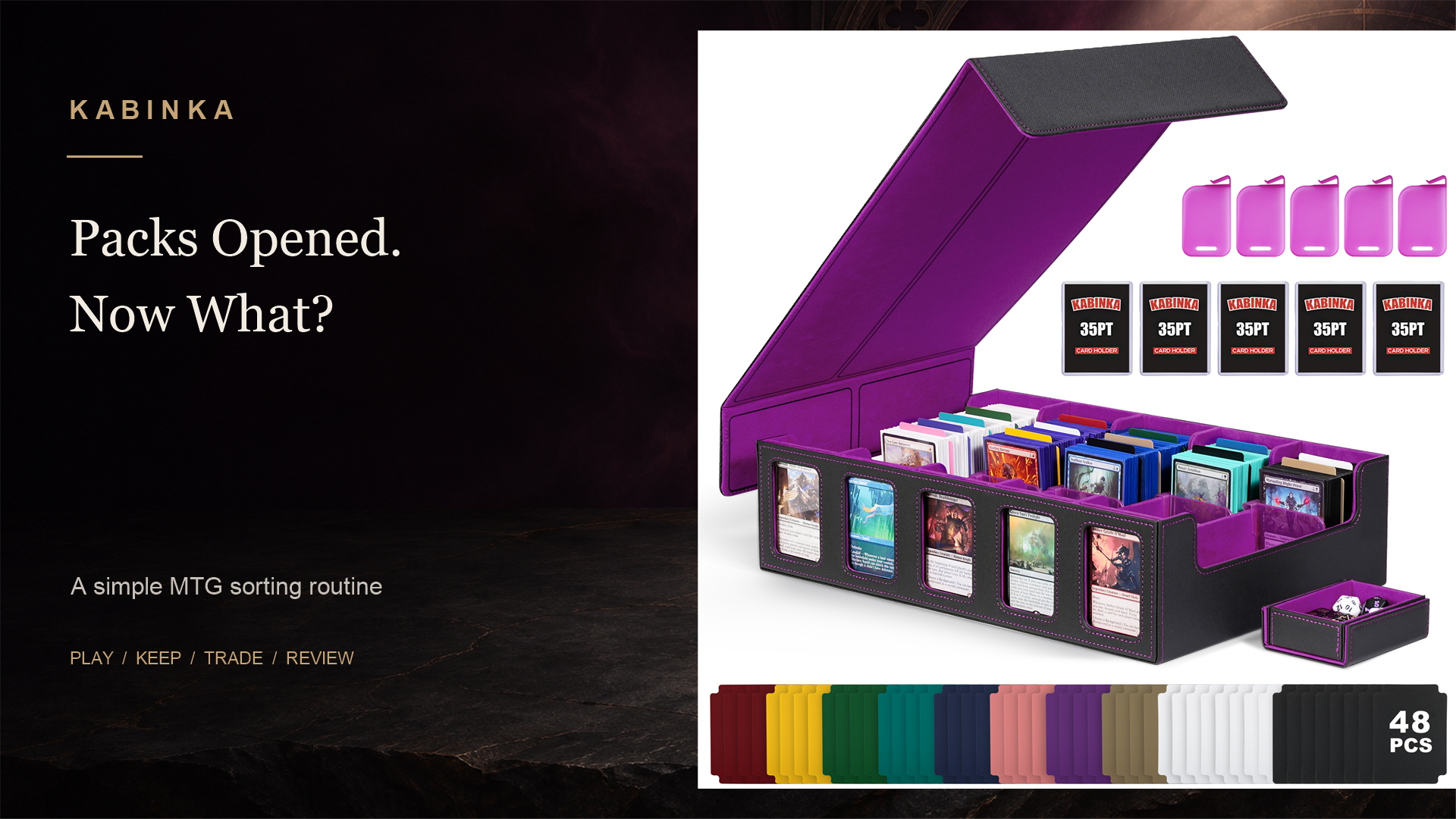
Move wrappers away from the cards and use a clean, dry surface with enough room for four small groups.
Have a few sleeves, dividers, and your storage box nearby. You do not need an elaborate setup. Four labeled spaces on a table are enough for the first pass.
Keep drinks away from the sorting area, and avoid balancing new cards on top of an already crowded stack.
If you are opening packs with friends, keep each person’s cards separate until everyone has finished. It is much easier to prevent a mix-up than to reconstruct who opened what afterward.
For the first pass, focus on what you want to do with the card.
Sorting every card by color, rarity, and set can wait. First decide where it is going.
| Group | What belongs here | Next step |
|---|---|---|
| Play | Cards you want to try in a current deck or an active build | Label them with the deck or project name |
| Keep | Cards you want in your collection, including favorite art and useful extras | Move them into your existing collection system |
| Trade | Cards you are comfortable offering to other players | Keep them separate from personal favorites |
| Review | Cards you need to read, compare, or think about | Put them in a small, dated section |
A card may fit more than one category. Choose its next destination rather than trying to make a permanent decision.
If you love a card’s artwork but also want to play it, place it with your current deck project. If you are unsure whether to keep an extra copy, put it in Review.
The system should help you move forward without forcing decisions you are not ready to make.
“Maybe I’ll use this someday” can describe almost any card.
Keep the Play group focused on decks you are actively building or updating. Label each packet with a deck name or a short description, such as “Dragon deck upgrades” or “Next build to test.”
You can also add a note about which card it might replace. That saves you from having to remember your original idea weeks later.
Keep potential upgrades separate from a finished deck until you have checked the deck’s requirements and made the intended changes. A small testing packet is easier to manage than several loose cards tucked into a ready-to-play deck box.
If a card no longer has an active project attached to it, move it into your collection.
The Keep group does not have to mean expensive cards.
It might include a favorite character, a striking illustration, a useful common, or a card from a memorable opening session. Personal importance is a perfectly good reason to give a card extra care.
Sleeve cards you want to protect before handling them repeatedly. Choose protection that fits the card and your intended storage, and avoid forcing a sleeved card into a tight pocket or holder.
Then give the cards a permanent location:
The important step is moving them out of the temporary sorting area.
A trade section should contain cards you are genuinely willing to trade.
Keeping them separate makes it easier to show another player what is available without repeatedly explaining which cards are off-limits.
If you use a binder for both trading and collecting, clearly separate the two sections. A dedicated trade section or binder can make the distinction easier.
Before moving a card into Trade, check that it is yours to trade and is not reserved for a deck or another person. When you are unsure, use Review instead.
Review is a useful category. An unlimited Review pile is just the old clutter with a better name.
Choose one small section, label it with a date, and decide when you will revisit it. That might be before your next game night or before your next pack-opening session.
When you return, ask:
You do not have to research every card during the first pass. A bounded Review section lets you finish the immediate cleanup while keeping open decisions visible.
Once you have decided each card’s destination, use a filing method you can maintain.
For a smaller collection, broad categories may be enough. For a larger one, you might organize by set and collector number, or by color with additional sections for multicolor cards, colorless cards, and lands.
Choose the method that matches how you look for cards.
If you build decks by browsing your collection, color-based sections may feel natural. If you collect sets, set-based organization may be easier to follow.
Use dividers to mark those sections rather than relying on memory. A multi-row box can hold several categories, but each row does not need to represent a different category: dividers let you adjust the space as your collection changes.
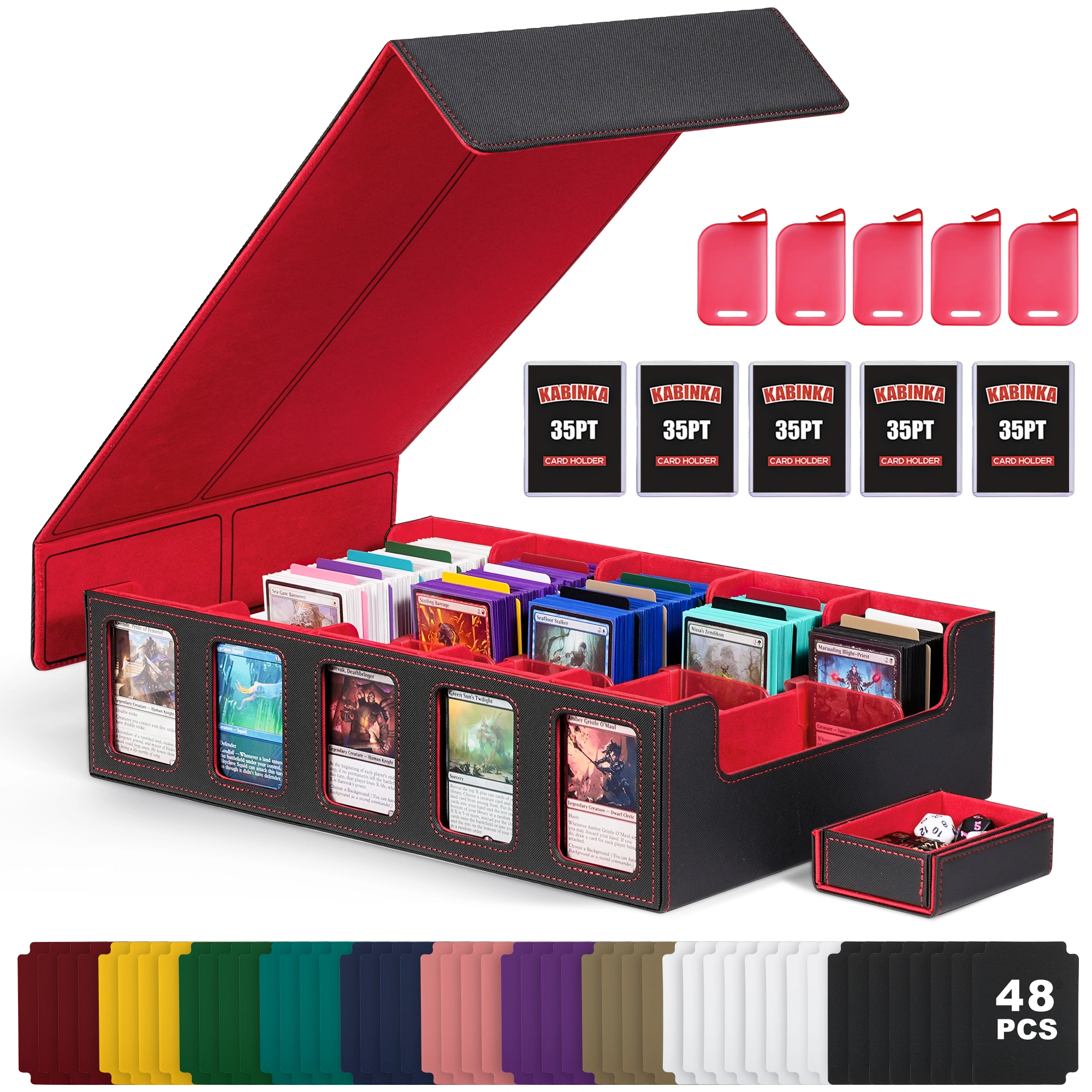
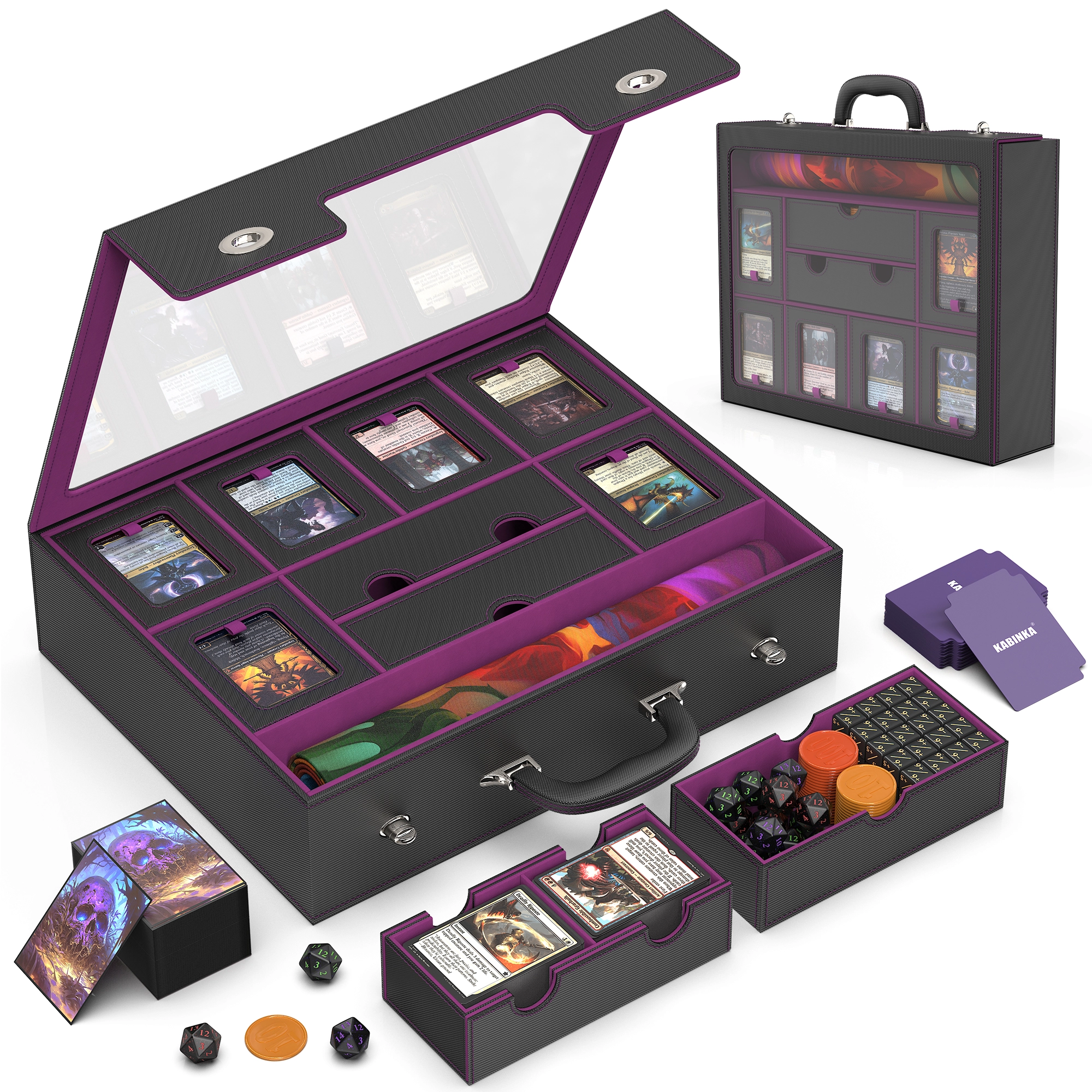
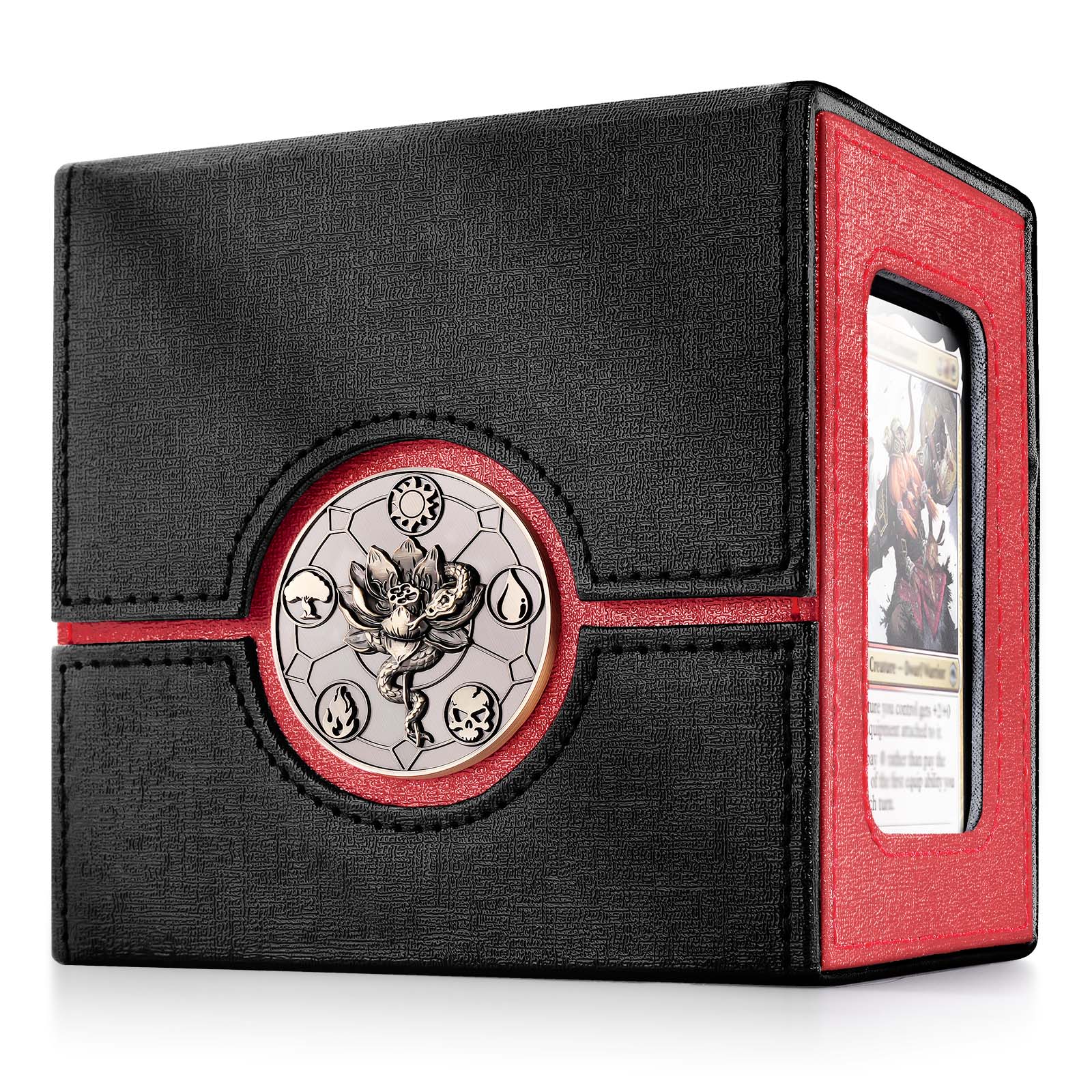
Explore Kabinka card storage boxes and compare the layouts with the cards and protective accessories you actually use. Check the individual model’s dimensions and capacity guidance before choosing.
Before putting the box away, check that:
Close your storage without compressing the contents. If a section is crowded or cards are difficult to remove, redistribute them instead of forcing in another stack.
You are finished when every new card has a place—even if a few decisions are still waiting in Review.
You can, but sorting by intended use may be more helpful for your first pass. A common you want to play immediately belongs with that deck project, while a rare you have not decided about can go into Review.
Keep copies you have a reason to use or collect. Place tradeable extras in your trade section, and file the remaining spares into your collection. You do not need to make the same decision for every duplicate.
Not necessarily. Prioritize cards you plan to play, handle frequently, or preserve with extra care. Store the rest neatly in suitable card storage, and account for sleeve thickness when checking capacity.
Use the same four categories, just on a smaller scale. A handful of cards can go directly into existing sections without creating a new box or a complicated system.
You do not need a perfect collection database to stay organized.
Give new cards a next step: Play, Keep, Trade, or Review. Keep your categories clear, your undecided section small, and your storage easy to use.
Ready to give your next opening session a proper finish? Browse Kabinka’s card storage collection and find a layout that fits the way you collect.
Copyright Shenzhen Rushidao Technology Co., Ltd. All Rights Reserved. POWERED BY UEESHOP


