EN
USD
One Commander deck is easy to keep track of. With several decks, the small details start to add up: similar-looking boxes, tokens left with the wrong deck, and a favorite card moved between builds just before game night.
A useful storage system should make three things simple: finding the deck you want, checking that it is ready to play, and putting everything back afterward.
The easiest place to start is to give each deck a dedicated space and a clear label. Then decide which accessories stay with that deck and which belong in a shared compartment.
Here is a practical way to organize multiple Commander decks at home and on the go.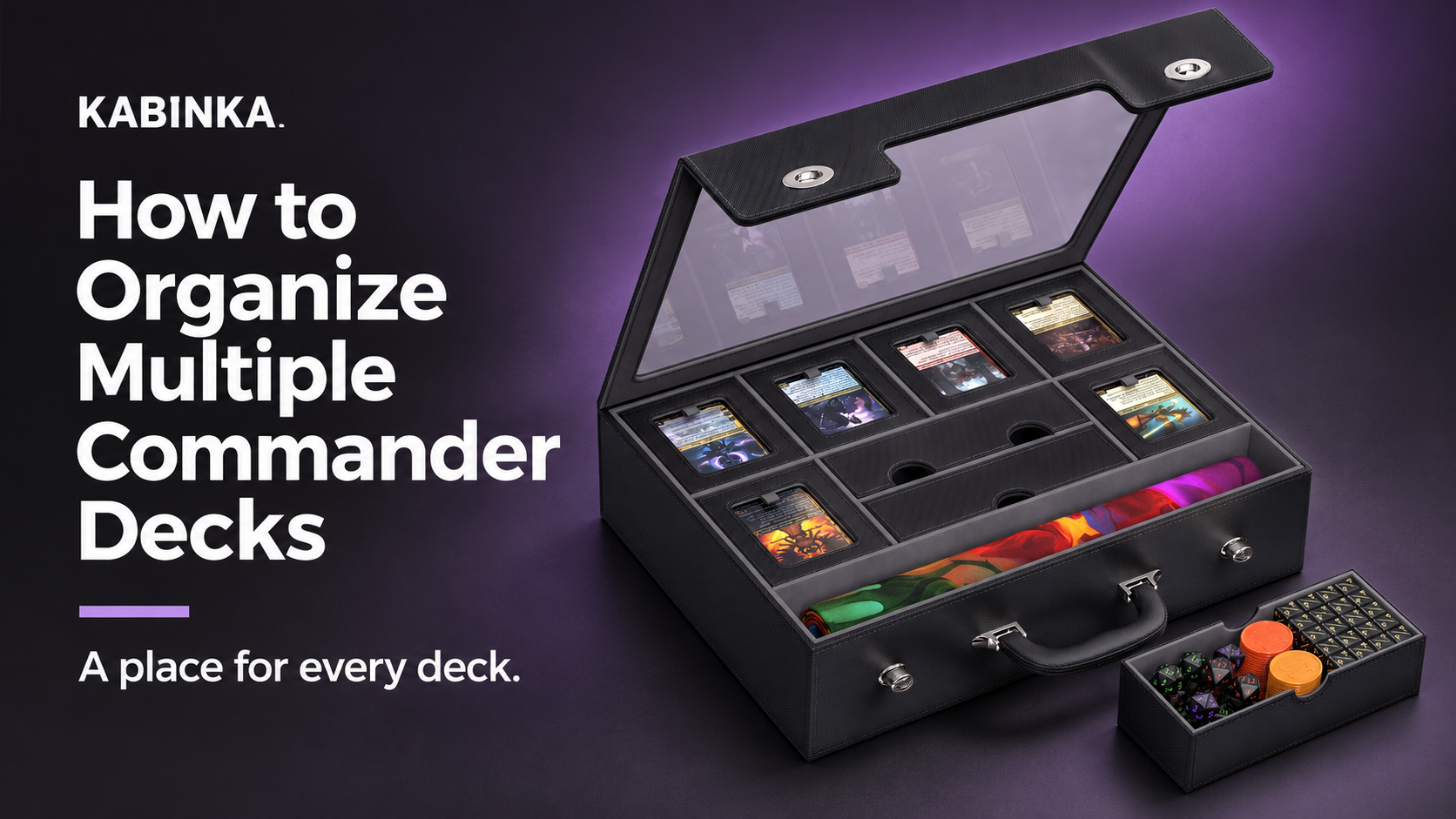
Before choosing boxes or rearranging shelves, sort your decks by their current status.
Use three simple groups:
Ready to play: Complete decks you can pack without making changes.
Being updated: Decks with cards removed, replacements pending, or changes still in progress.
Stored for later: Decks you are keeping together but do not regularly bring out.
Keep these groups in separate areas, or mark their status on removable labels. This helps prevent an unfinished deck from accidentally ending up in your game-night bag.
Keep upgrade candidates separate from the playable deck, too. A small, labeled section for “cards to try” is easier to manage than mixing possible replacements into the deck itself.
Color coding can help, but a written label is useful when several boxes look alike.
A simple label might include:
Commander name
A short description of the deck’s theme
Whether the deck is complete or missing a shared card
For example, “Creature Tokens — Ready” tells you more than an unlabeled purple box.
Place labels where you can see them while the boxes are stored. If your boxes sit side by side on a shelf, a label hidden underneath will not help you find a deck quickly.
A commander display can also make identification easier. If you use one, make returning the commander to its holder part of your cleanup routine.
Choose a labeling system you can maintain easily. A simple label that stays accurate is more useful than a detailed system you stop updating.
A deck may be ready to play while the tokens it needs are somewhere else.
Sort tokens by the deck that uses them. Keep each set in a dedicated compartment or behind a suitable divider, separate from the playable deck.
If several decks use the same tokens, you have two practical options:
Keep a separate token set with each deck.
Use one clearly labeled shared token pack and include it in your packing checklist.
The first option reduces preparation. The second avoids keeping duplicate sets, but requires you to remember the shared pack.
Allow enough space for these extra cards. A compartment that fits your sleeved deck may not also fit its tokens.
For a closer look at sleeve thickness and usable storage space, read Will 100 Double-Sleeved Cards Fit? A Deck Box Capacity Guide.
Organizing decks at home and carrying them to a game are related tasks, but they do not always need the same layout.
Separate boxes are useful when you like choosing a few decks from a larger collection. Each deck keeps its own place, and you can pack only the ones you plan to use.
Label every box consistently so it remains easy to identify after you move it off the shelf.
A case with separate deck compartments can keep your regular game-night selection together.
Check the capacity of each compartment rather than relying only on the case’s total card count. Also consider how easily you can access one deck without unpacking the others.
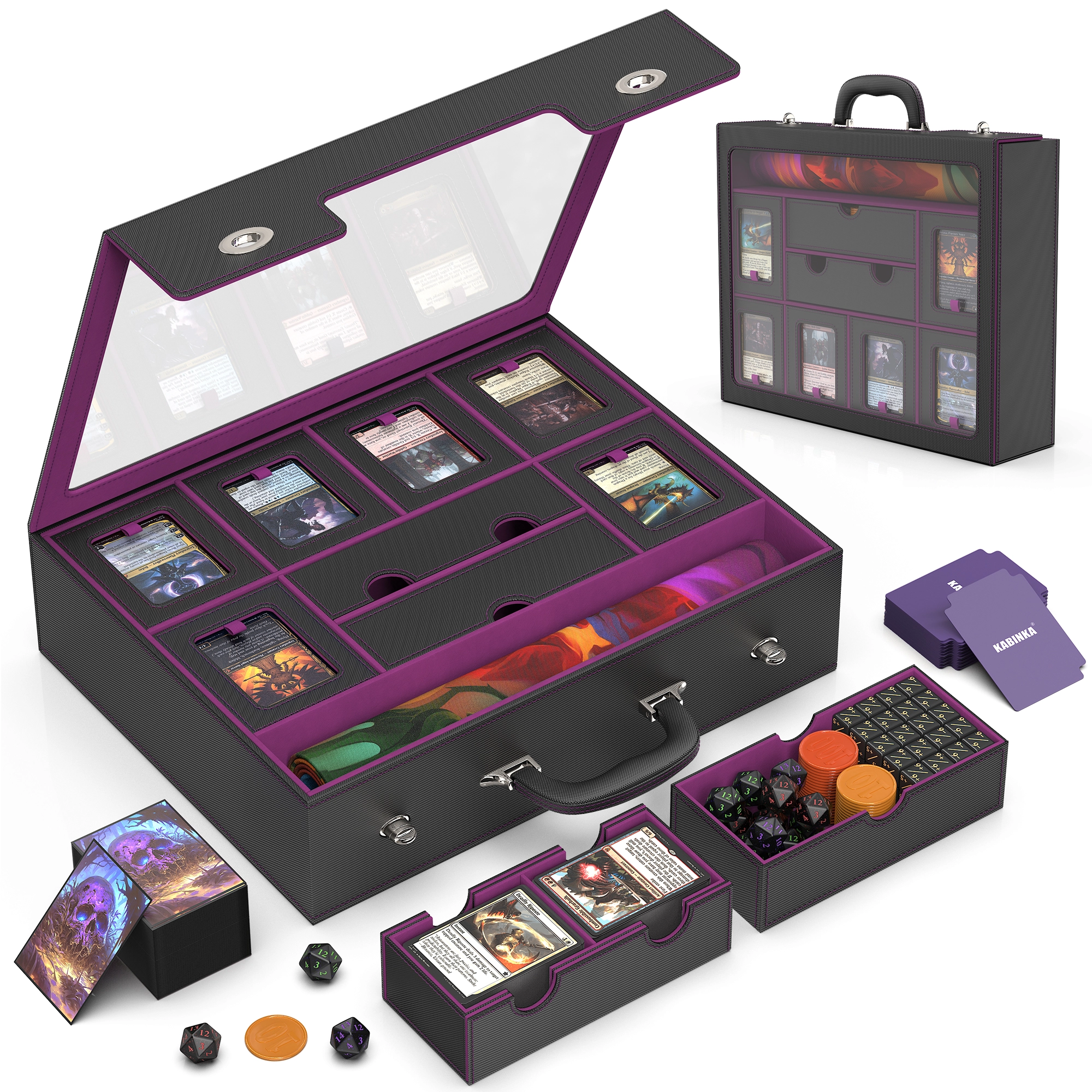
A modular case can be useful when your selection changes regularly. Removable sections may make it easier to arrange decks and accessories around the evening’s plans.
Before choosing one, confirm which components are removable and whether any section you intend to carry separately closes securely on its own.
If you need help comparing these formats, read How to Choose a Deck Box for Your MTG Commander Deck.
Dice, counters, and other small accessories are easier to manage when they have a consistent location.
Use a dedicated accessory tray, pouch, or compartment for items shared across your decks. Keep loose accessories separate from sleeved cards so they do not shift against them during carrying.
A simple arrangement might look like this:
| Item | Suggested location |
|---|---|
| Playable deck | Its own labeled deck compartment |
| Deck-specific tokens | Separate section beside the matching deck |
| Shared dice and counters | One accessory tray or pouch |
| Upgrade candidates | Labeled storage area at home |
| Spare sleeves | A flat, protected accessory section |
| Shared-card reminder | With the deck that currently needs the card |
This is a suggested layout, not a requirement. Adapt it to the accessories you actually use.
If you move the same physical card between several decks, storage alone will not tell you which deck currently contains it.
Keep a short note on your phone or a clearly identifiable reminder with the incomplete deck. Record the card’s name and its current location.
Before packing, check that the cards you need have been returned to the deck you plan to play. Remove any organizational reminders before shuffling.
A saved decklist can help you check what belongs in each build, especially after several rounds of changes. Update it when you make a lasting change, rather than relying on memory.
You do not need to bring every deck you own to every session. Choose the decks you expect to use, then check the complete setup before leaving.
Confirm that each selected deck is complete.
Check that its commander and tokens are included.
Pack shared dice, counters, and other accessories.
Make sure cards fit comfortably and all closures work normally.
Check that the packed case fits securely in your bag.
Return each commander to its usual location.
Separate tokens and borrowed cards from the playable decks.
Put shared accessories back in their assigned compartment.
Note any cards removed or changes you still need to make.
Return each deck to the correct ready-to-play or work-in-progress area.
A short reset prevents small mix-ups from becoming next week’s packing problem.
Give every deck its own compartment and a visible label. Keep matching tokens nearby, store shared accessories separately, and mark incomplete decks clearly.
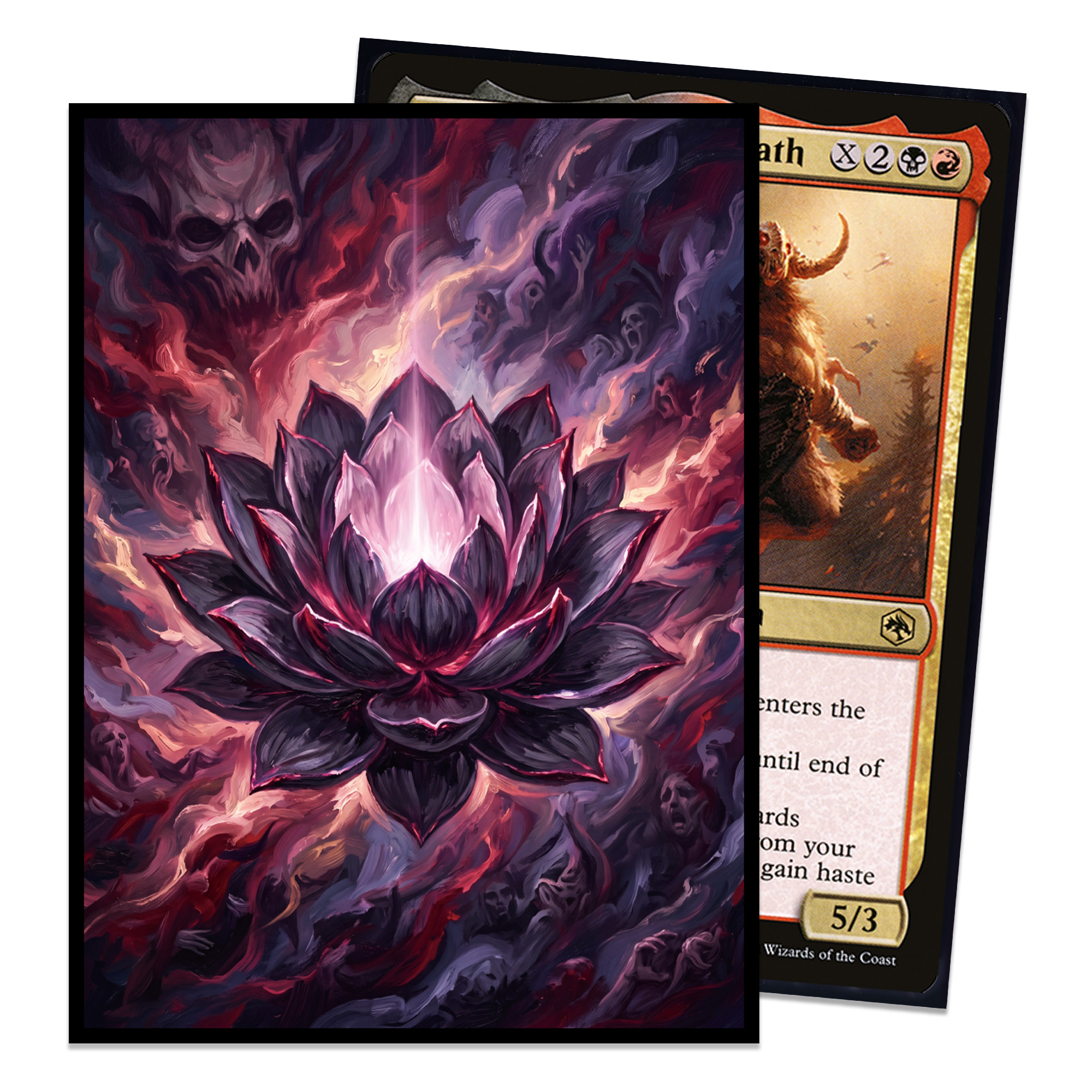
Use the sleeves you prefer. Different colors can help distinguish decks, while matching sleeves may be convenient when moving cards between builds. Either way, labels and an updated decklist help prevent mix-ups.
No. Individual boxes may suit you well if you usually carry only a few decks. A modular case is worth considering when you want to rearrange several decks and accessories within one carrying setup.
Store them in a separate section or behind a suitable divider. After each game, separate them before returning the deck to its compartment.
An organized collection should make it easier to enjoy your decks. Start with clear labels, dedicated deck spaces, and a consistent home for tokens and accessories.
As your collection grows, adjust the layout around how you play. You may need more space at home, a smaller selection for travel, or removable compartments that make switching decks easier.
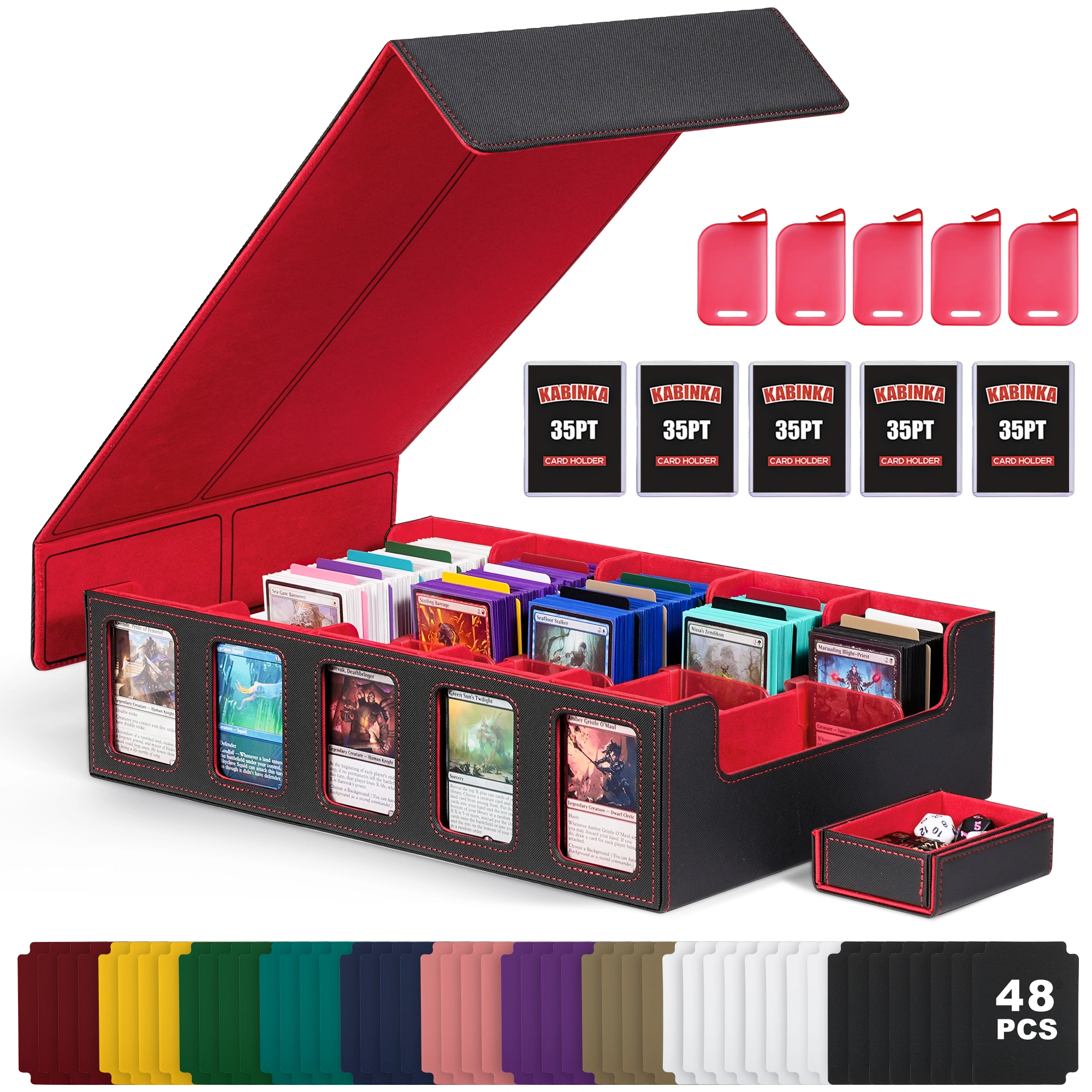
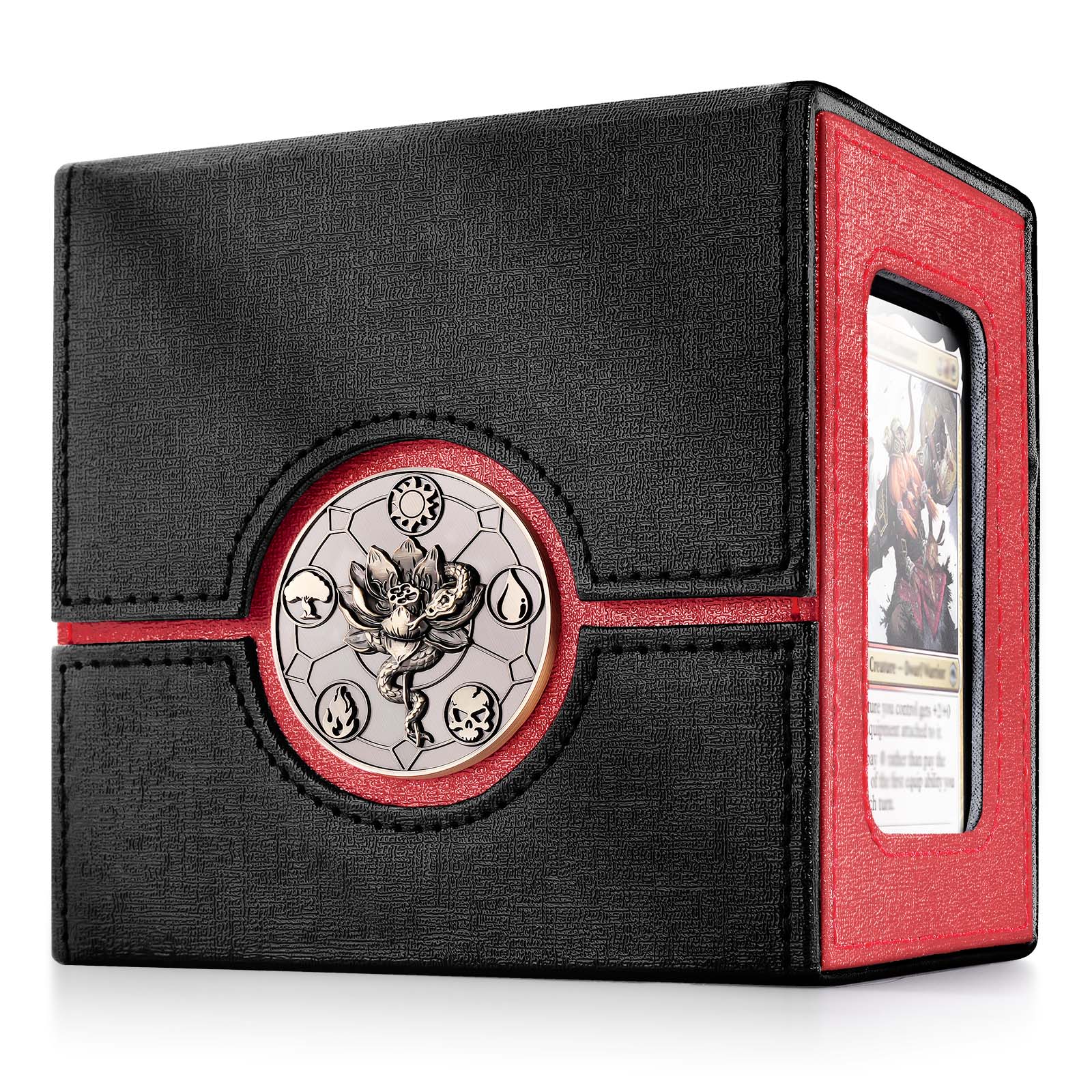
Explore Kabinka modular deck boxes to compare layouts for carrying multiple decks and accessories. Check each model’s compartment capacity, dimensions, and included components against your setup before choosing.
Copyright Shenzhen Rushidao Technology Co., Ltd. All Rights Reserved. POWERED BY UEESHOP


